




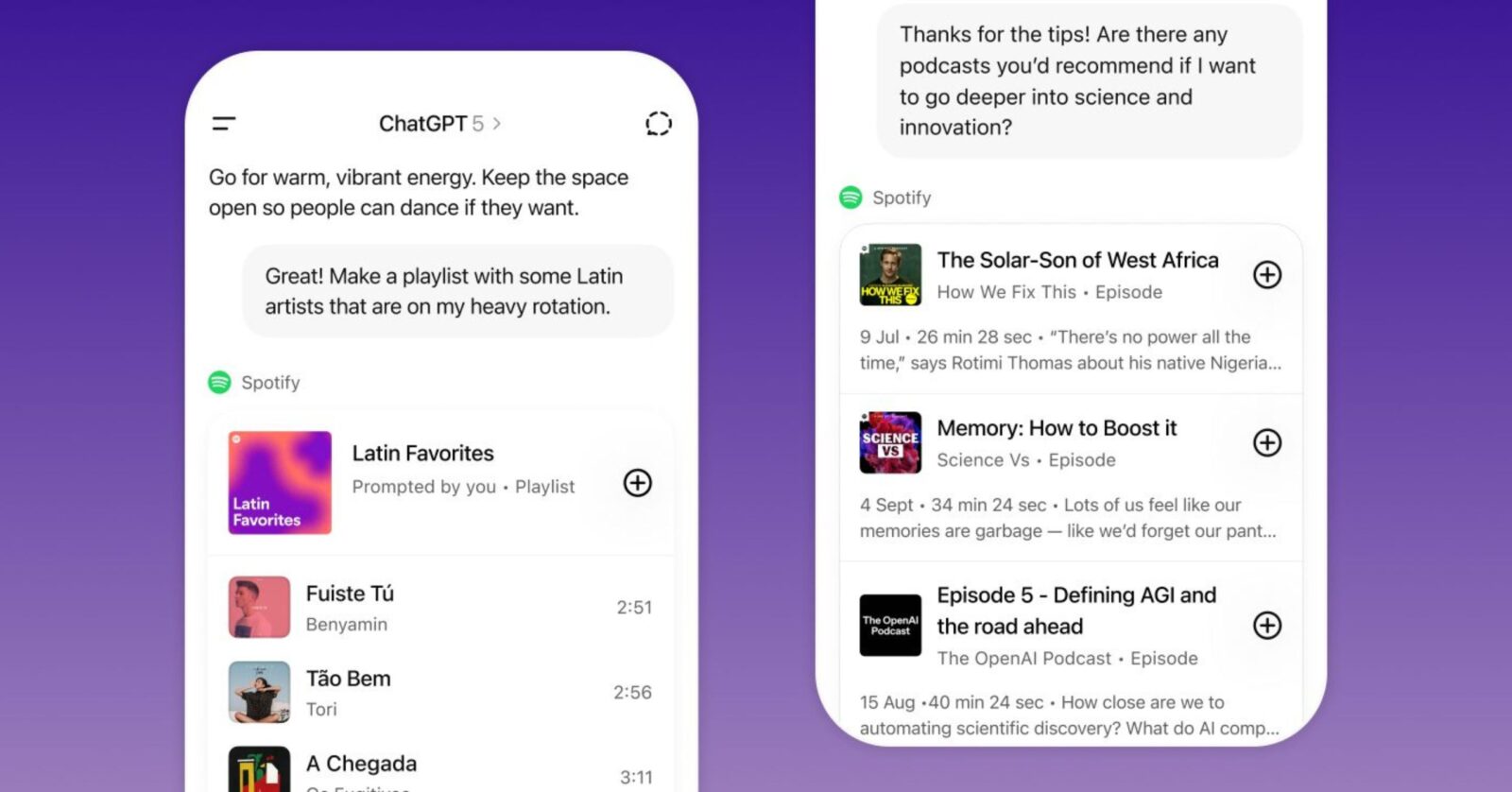
Spotify is teaming up with ChatGPT, OpenAI’s generative artificial intelligence chatbot, to deliver personalized music and podcast recommendations for both Free and Premium users. It is now live in English across 145 countries, available to all logged-in ChatGPT Free, Plus, and Pro users: on the web, iOS, or Android.
Here’s a step-by-step guide:
- Start a ChatGPT conversation and mention Spotify in your prompt.
- For the first time, you’ll be prompted to connect your Spotify account.
- You can ask for songs, artists, albums, playlists, or podcast episodes, and ChatGPT will open the Spotify app directly in your chat.
- Alternatively, you can ask for recommendations based on a specific mood, theme, or topic, and Spotify will surface personalized picks just for you.
- Tapping a track will take you directly to the Spotify app, where you can listen or watch right away.
Once connected, you can explore the latest songs from your favorite OPM artists or playlists featuring P-pop, indie, and hip-hop artists you play on repeat.
You can take the conversation even further and plan a weekend road trip with friends, and ask Spotify to create the perfect soundtrack, or request a curated playlist for a house party or an all-nighter study session. For best results, add details such as genre, mood, a specific artist, or a topic, host, or guest for podcasts.
Free users can access Spotify’s existing playlists, like Discover Weekly and New Music Friday. Premium users, on the other hand, can use more elaborate prompts to get fresh, personalized track selections.
Users can connect or disconnect Spotify in ChatGPT at any time.